

None
None
Long Story Video Skill
Stretch one concept into a clip running ten seconds to ten minutes — the AI drafts the screenplay, the shot notes and the visuals on its own.
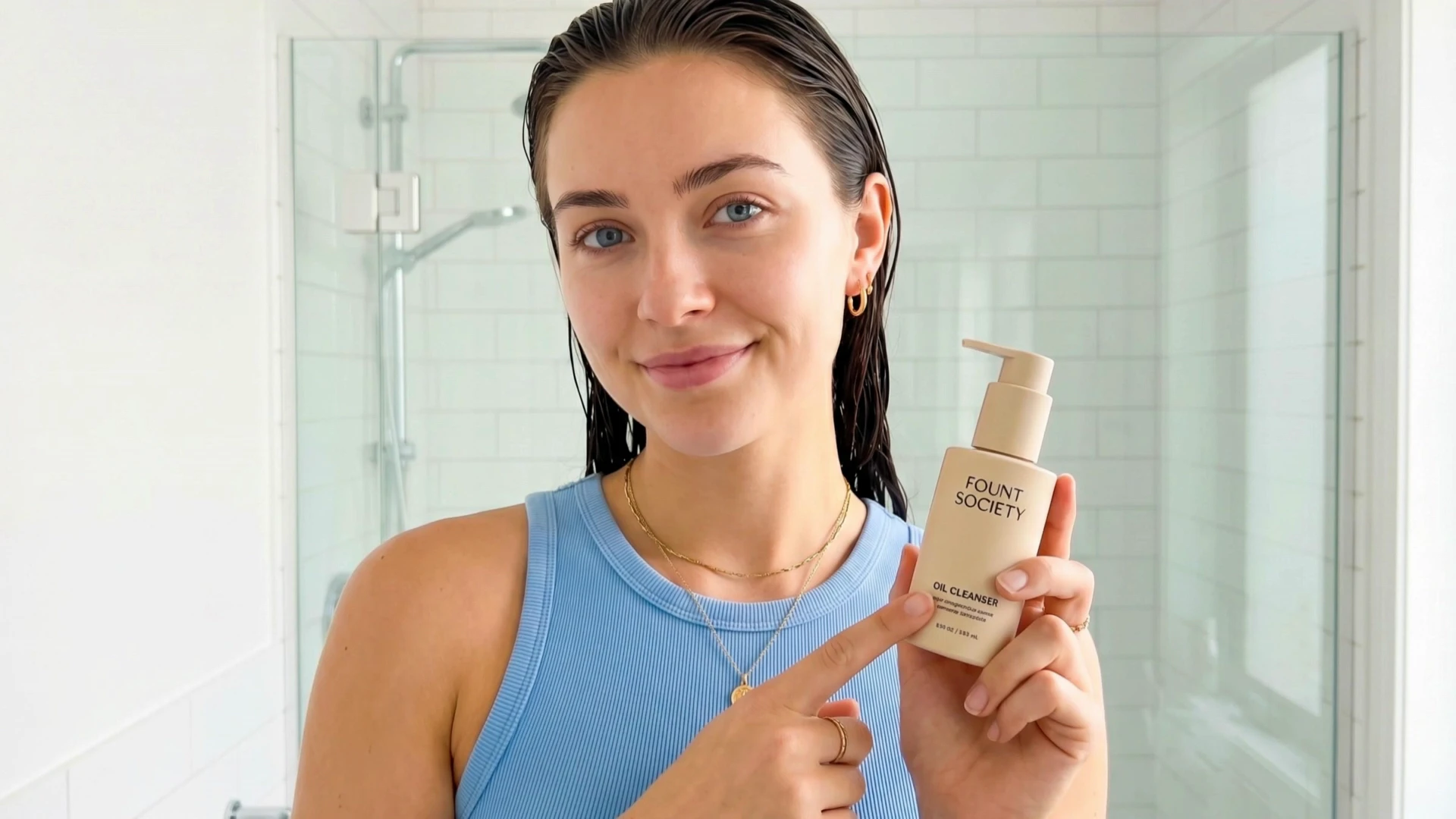
Ads Video Skill
Build polished promo and sales spots, with the AI writing the angle, the shot notes and the finished footage.
3D Science Explainer Video Skill
Take an abstract scientific idea and turn it into a clean, animated 3D explainer.
Feedback
freeTrialImage.bannerPity
freeTrialImage.upgradeUnlock
- ✓freeTrialImage.benefitHd
- ✓freeTrialImage.benefitWatermark
- ✓freeTrialImage.benefitUnlimited
AI Ad Video Example
Loading...
Gemini Gen Video Generator
Describe a scene or upload a reference frame, and this Gemini Gen Video Generator returns a polished clip ready to publish.
All Tools
Discover our comprehensive AI-powered animation toolkit
MiniMax H3
MiniMax H3 AI Video Generator
Seedance 2.5
The Future of AI Video Is Here.

Seedance 2.0
The Future of AI Video Is Here.
FLUX 3 Video Generator

Kling 3.0
Next-Gen AI Video Generator
Grok Video Generator
Create Videos from Text or Images with AI
MiniMax H3 video generator
MiniMax H3 AI Video Generator

Seedance 2.0
The Future of AI Video Is Here.
What the Gemini Gen Video Generator Delivers
Give the Gemini Gen Video Generator one short brief and it reads your text or picture, renders clean footage, and returns files ready for real projects.
- Long-Form Story Video SkillExpand one idea into a video that runs from ten seconds to ten minutes, with the AI handling the script, shot plan and rendered scenes.
- Ad Campaign Video SkillBuild promotional and sales spots from start to finish as the AI writes the angle, plans each shot and generates the footage.
- 3D Science Explainer SkillConvert complex scientific ideas into clear 3D explainer animations that are easy for any viewer to understand.
How the Gemini Gen Video Generator Turns Your Idea into Video
Follow three straightforward steps to move from an initial concept to a finished file with the Gemini Gen Video Generator.
What Makes the Gemini Gen Video Generator Stand Out
Start from text or a still, shape how each shot looks, iterate quickly and export files that are ready for production.
Begin with Text or a Reference Image
Use a written description or a still you already have, and the underlying engine turns either one into motion.
Control Pace, Framing and Lighting with Words
Describe the speed of movement, camera position and light quality in everyday language, and the render follows your instructions.
Compare Takes and Iterate Quickly
Generate several alternate versions, review them side by side, and adjust your prompt until one hits the mark.
Download Files Ready for Production
Get files formatted for social feeds, paid campaigns or editorial use, and open them in the editing software you already rely on.
Store and Reuse Winning Prompts
Keep the prompt wording that produced good results and apply it to future projects to maintain a consistent look and rhythm.
Commercial Rights and Private Output
Paid plans include a commercial licence and private generations, allowing output from the Gemini Gen Video Generator to be used in client work.
Common Questions About the Gemini Gen Video Generator
Clear answers on input types, video length, revision options and exporting from the Gemini Gen Video Generator.
What Inputs Does It Accept — Text, Images or Both?
You can use text, images or both together. A still can guide subject movement and framing, while written copy sets the tone, lighting and on-screen action.
What Is the Maximum Video Length?
The Long Story Video Skill handles clips from ten seconds up to ten minutes, and it writes the screenplay, plans the shots and creates the visuals on its own.
How Can I Revise and Choose the Best Version?
Generate multiple versions, compare them next to each other, and refine your prompt until a take matches your vision.
Which Formats and Editing Workflows Work?
The tool exports a standard video file, so it works with the social platforms you publish on and the editing software you already use, with no new workflow required.
Can Prompts and Templates Be Reused?
Yes. Save effective prompt wording as a template and apply it to later jobs to keep framing, color and pacing consistent across projects.
Does the Tool Handle Motion, Pacing and Composition?
The tool manages those details: provide a description or image and it determines movement, cut speed and how the frame is composed.
Turn Your Next Idea into Video with the Gemini Gen Video Generator
Provide a sentence or an image, generate several versions, select the best result and download it for publishing, all within the Gemini Gen Video Generator.